
ServicesTicket to Cash
The ticket is signed. The invoice is already out.
A digital field ticket your hands fill in on a phone, signed on location by the company man, turned into an invoice in your QuickBooks Online, and followed until the money lands.
- Ticket 0412Signed on locationInvoice created
- Ticket 0413Signed on locationInvoice created
- Ticket 0409Reminder sent, day 7Awaiting payment
- Ticket 0406ClosedPaid
What it ends
The job took a day. The paperwork is still out there.
Tickets ride in the truck.
A paper ticket has to survive the lease road, the dashboard, and the weekend before the office ever sees it.
Billing waits on handwriting.
Someone retypes the ticket, hunts for the PO or AFE, finds the signature, and builds the invoice by hand. Every step is a place for it to stall.
Nobody owns the follow-up.
The invoice goes out and then it is quiet. Chasing it is everyone's job, which means it is no one's.
How it runs
Ticket to Cash
Filled in the field
The crew completes the ticket on a phone at the job: well or lease, PO or AFE, hours, materials, photos. It works when the signal is poor and sends when the phone finds a bar.
Signed on location
The company man signs on the screen before anyone leaves. The ticket is final, a PDF packet lands in a Drive folder you own, and the office already has it.
Invoiced and followed
Each approved ticket creates an invoice in your QuickBooks Online. A weekly aging report and a polite reminder sequence run from there. A dispute goes to a person, not a robot.
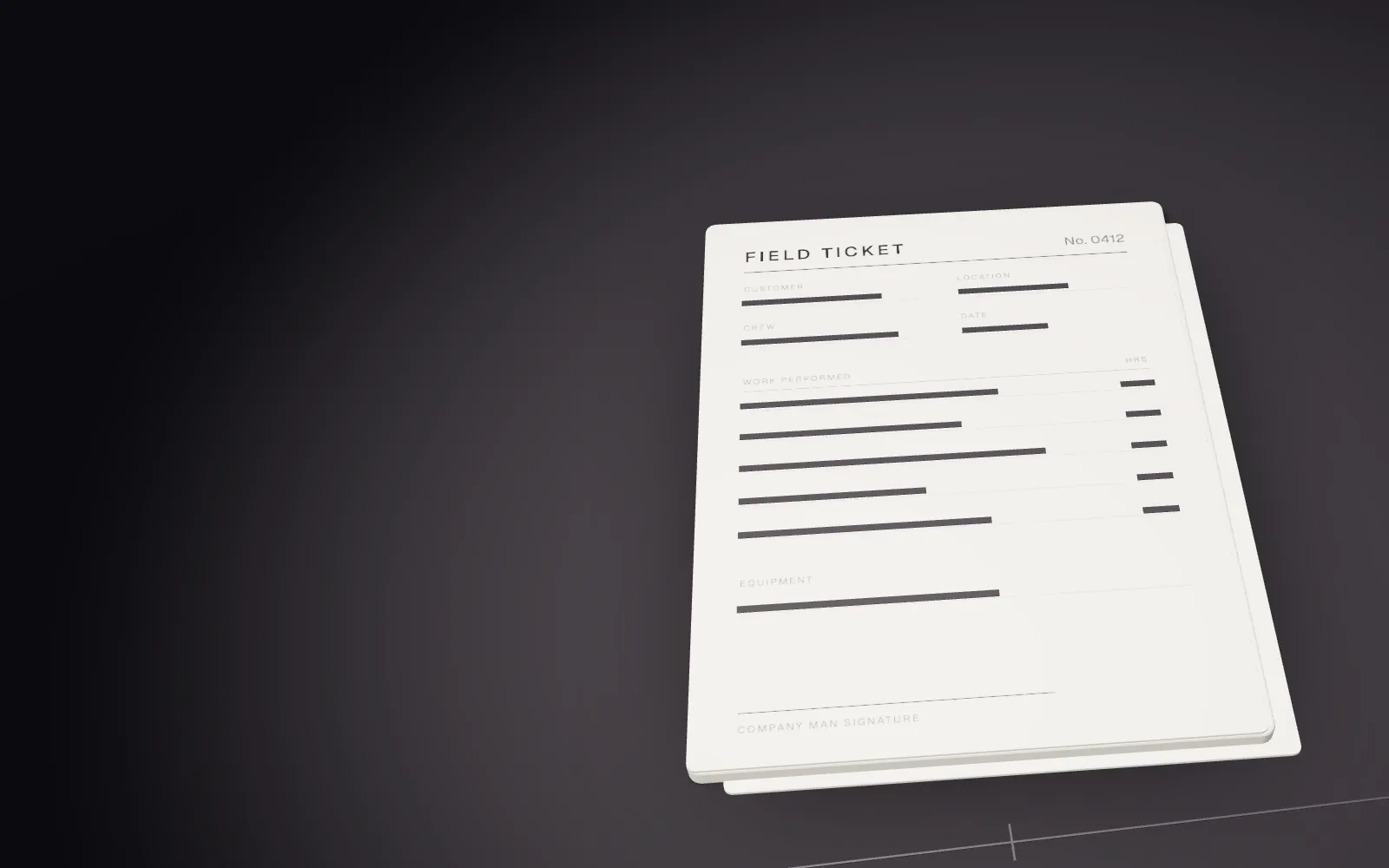
01The ticket is filled in the field. 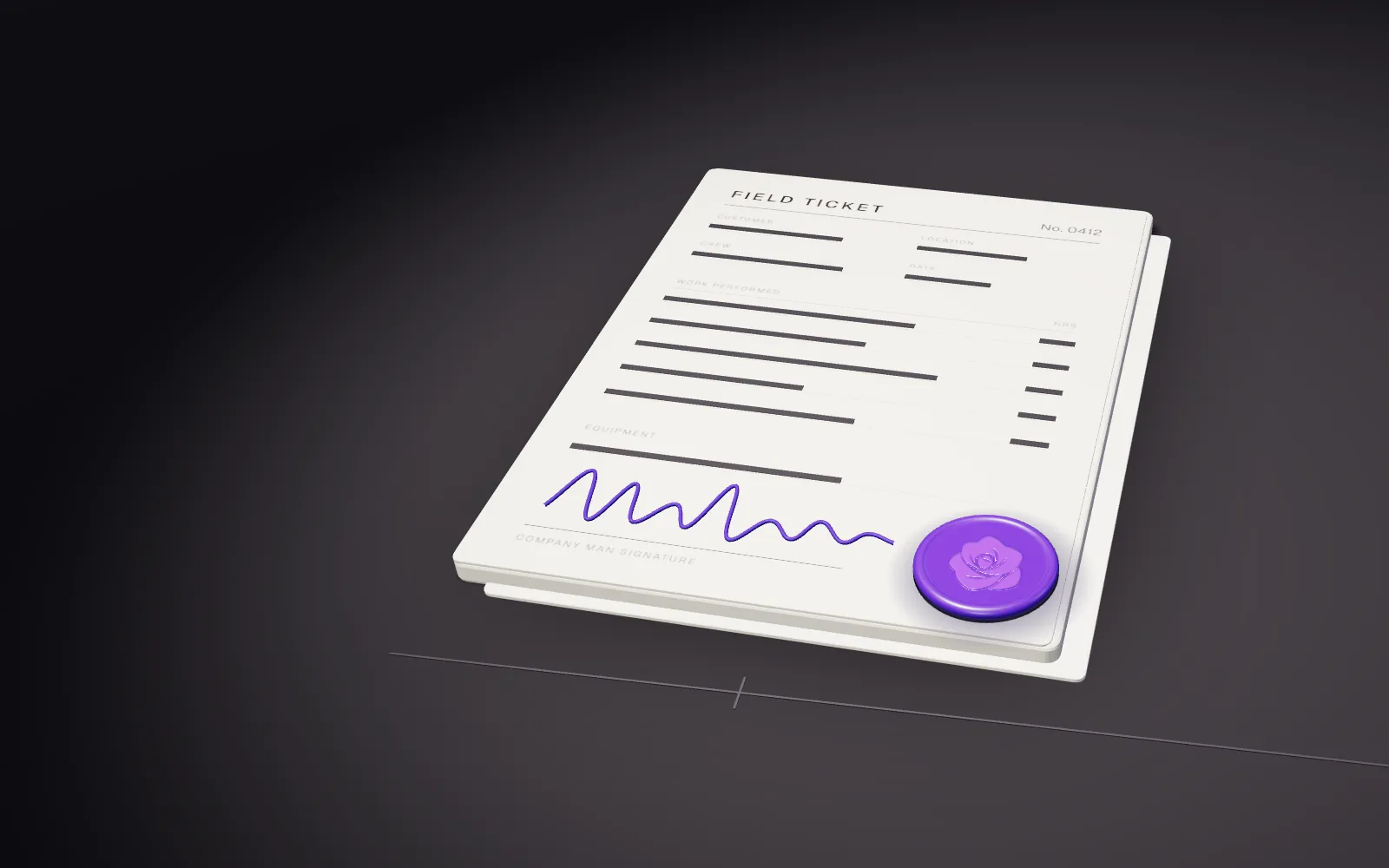
02The company man signs on site. 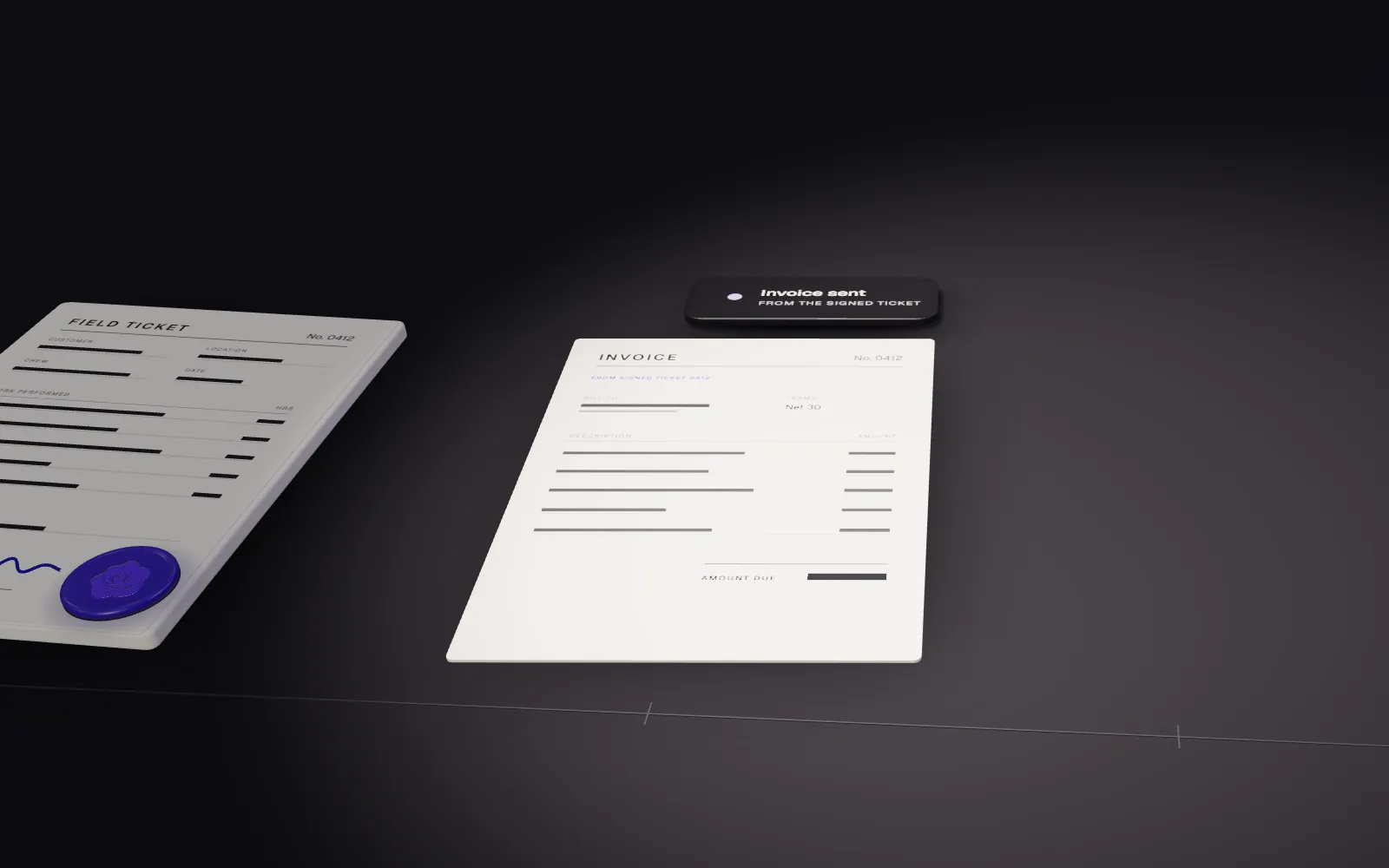
03The invoice is already out. 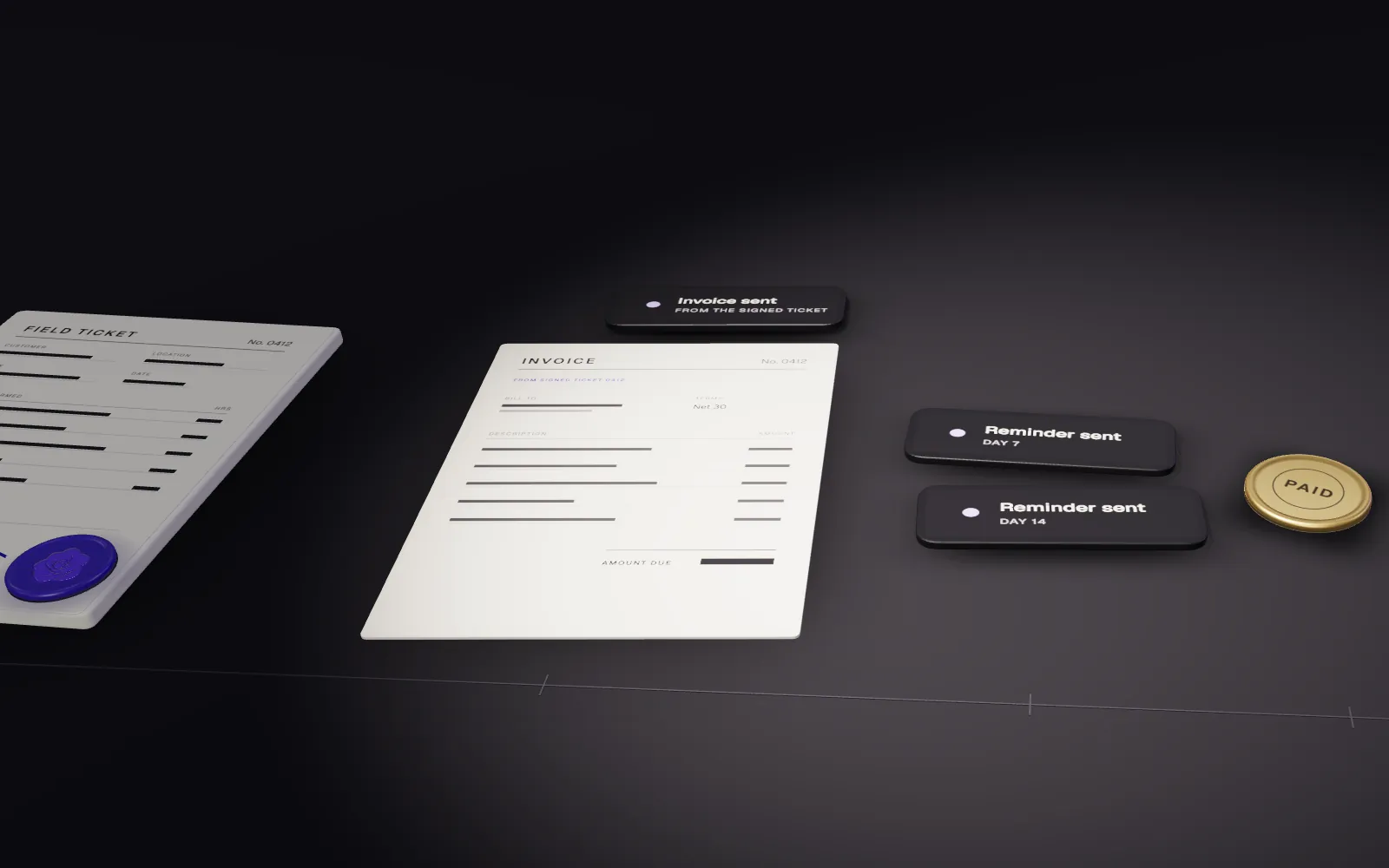
04Follow-up runs until it is paid.
The promise
When the job is done, the ticket is already on its way to becoming an invoice.
What is included
- A mobile digital field ticket: well or lease, PO or AFE, hours, materials, photos, and the company-man signature
- Works when the signal is poor, and syncs when it returns
- A PDF packet for every ticket, filed in a Google Drive folder you own
- An invoice created in your QuickBooks Online from each approved ticket
- Same-day alerts for unsigned or unmatched tickets
- A weekly AR aging report and a polite reminder sequence, with disputes routed to a person
- A simple week-view jobs board
- A recorded handoff, then monitoring, changes, and support on the monthly plan
What it is not
Ticket to Cash is not a replacement for OpenInvoice, Coupa, or Enverus, and it is not full GPS dispatch. It gets a clean, signed ticket and a matching invoice to the place your customer wants it, faster.
A good fit when
Crews finish work in the field, a company man signs for it, and the invoice goes out days later than it should.
- Price
- From $9,500 setup, then $1,797 a month. Confirmed on a written proposal. Texts and other usage are billed at cost and listed on the invoice. Setup is half to start and half on delivery. The monthly plan begins at handoff.
- Timeline
- About 21 days from a cleared deposit and completed onboarding.
What is Ticket to Cash?
Ticket to Cash is a system Innerstand builds for oilfield service companies. A hand fills in a digital field ticket on a phone, the company man signs it on location, and an invoice is created in your QuickBooks Online from the approved ticket. Reminders and a weekly aging report follow the invoice until it is paid.
What is included?
A mobile field ticket with well or lease, PO or AFE, hours, materials, photos, and a signature; offline capture; a PDF packet in a Drive folder you own; QuickBooks Online invoices; same-day alerts for unsigned or unmatched tickets; a weekly AR aging report with a reminder sequence; a week-view jobs board; and a recorded handoff.
How much does Ticket to Cash cost?
Ticket to Cash starts at $9,500 for setup, then $1,797 a month. The exact figure is confirmed on a written proposal. Setup is half to start and half on delivery, and usage such as text messages is billed at cost.
How long does it take?
About 21 days from a cleared deposit and a completed onboarding form. A crew runs the digital ticket beside the paper one before anything is switched over.
What do you need from us?
A copy of the paper ticket your crews carry today, access to your QuickBooks Online, a Google Drive, and one crew willing to run it on live jobs for a week. We ask for access through a password manager or a short supervised call, never by email.
What does it not do?
It does not replace OpenInvoice, Coupa, or Enverus, and it is not GPS dispatch. If your customer requires an invoice in their portal, Ticket to Cash gets the signed ticket and the invoice ready sooner; submitting to that portal stays in your process.
Often built alongside
- Crew ReadyEvery card tracked with a photo, alerts at 30, 14, and 7 days, and a clear view of who is cleared before dispatch.Learn more: Crew Ready
- Cert Expiry AlertsA simple roster of people and dates, with automatic alerts at 30, 14, and 7 days by text or email.Learn more: Cert Expiry Alerts
- Custom CRMA jobs and client system built around your stages, your fields, and your roles. You own the system and the data.Learn more: Custom CRM